

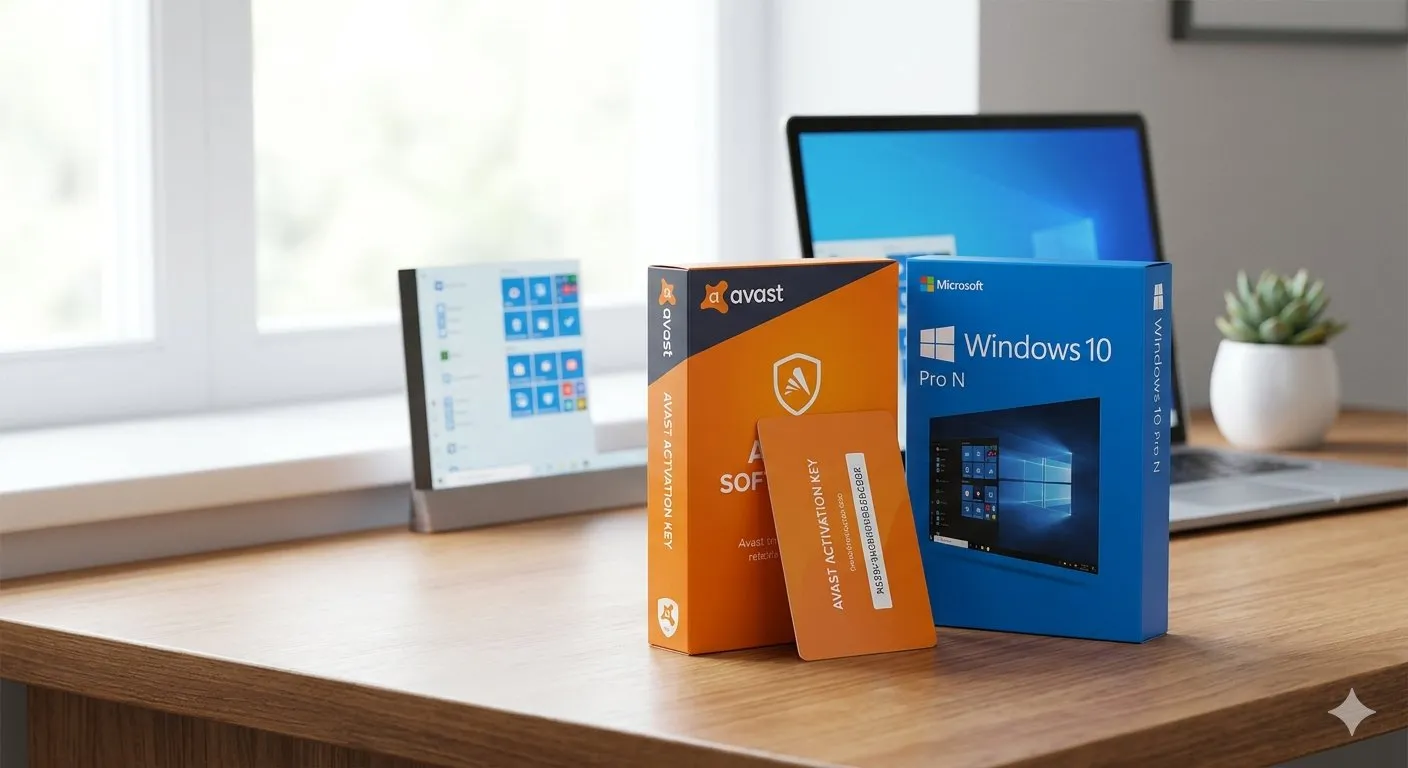
A secure computer needs more than a good operating system. It also needs protection against harmful files and unsafe websites. Windows 10 Pro N gives users a familiar space for work and daily tasks. Avast can add another layer of security when it is installed and set up correctly. Still, a few details matter before getting started. Users should check their Windows edition and choose the right Avast product. They should also understand how licence activation works. This can help avoid common setup problems.
Security Starts With Awareness
Online threats can appear in many forms. A fake download may look like a useful app. A strange email may carry a harmful file. Even a familiar website can lead to an unsafe page. Security software helps detect many such risks before they cause damage. Avast offers tools designed to help protect devices during everyday use. The features can vary by product and plan. Before choosing a version, read its details and check what protection it includes. Good security also depends on careful browsing habits. Strong passwords and careful browsing add another layer of safety.
Choose Your Avast Edition
Avast offers different products for different needs. Some users want basic protection for home use. Others may need extra tools for privacy or online activity. Check the product name before purchasing a licence. Do not assume that every Avast edition includes the same features. A clear product description should explain what is included and how long the licence lasts. It should also state whether the plan is for one device or several. Choosing the right edition makes setup easier and helps prevent confusion later.
Understand Licence Activation
An Avast licence connects the purchased product with the right account or device. The exact process can depend on the edition and the type of purchase. The search term activation key avast is often used by people who need help entering a licence code. Use the activation option inside the genuine Avast app or follow the official instructions for your product. Check each character before submitting the code. Keep the order record safe. Never use key generators or codes from unknown websites because they may be invalid or unsafe.
Prepare Windows 10 Pro N
Windows 10 Pro N is a specific edition of Windows. It does not include some media-related features that are present in standard editions. This difference may matter when installing apps that rely on certain media components. Before adding security software, check that your system is updated and has enough free space. Remove old security programs if they may conflict with the new installation. Restart the PC if the setup asks you to do so. These simple checks can help the process run more smoothly. Keep a record of the edition number, since it helps when you need to check compatibility.
Complete Windows Activation
Windows activation is separate from Avast licence activation. They serve different purposes and should not be confused. If you need to activate windows 10 pro n, check the edition installed on your device first. A product key must match that edition. You can review the activation status through Windows settings. If the system shows an error, read the message and follow Microsoft’s official guidance. Avoid unofficial scripts and random codes. They may fail or create security problems. A valid licence and the correct edition are both important.
Keep Protection Updated
Security software needs regular updates to respond to new threats. Let Avast receive updates through its official app settings. Check that real-time protection is enabled if your chosen product includes it. Run scans when you download files from sources you do not know. Pay attention to warnings rather than dismissing them without review. Also keep Windows and your browser updated. One security tool cannot prevent every online risk. A mix of updated software and careful choices gives your computer a stronger level of protection. Schedule regular scans and restart the computer after major updates so that new settings can take effect.
Conclusion
Avast and Windows activation serve different roles but both matter for a well-prepared PC. Check product editions and licence details before starting. Use trusted setup instructions and keep all software updated. Avoid unknown keys and activation tools that may put your device at risk. For digital software options and product information, visit key-softs.com and review the listing carefully before making a purchase.